Do you want to install a DStv system? The installation process should be smooth, but installation errors can impact your overall viewing experience. From misaligned dishes to faulty cables, common mistakes can result in frustrating signal problems. Please check out this useful guide to know the most frequent DStv setup errors and the functional solutions for smooth Dstv connectivity:
Misaligned Satellite Dish
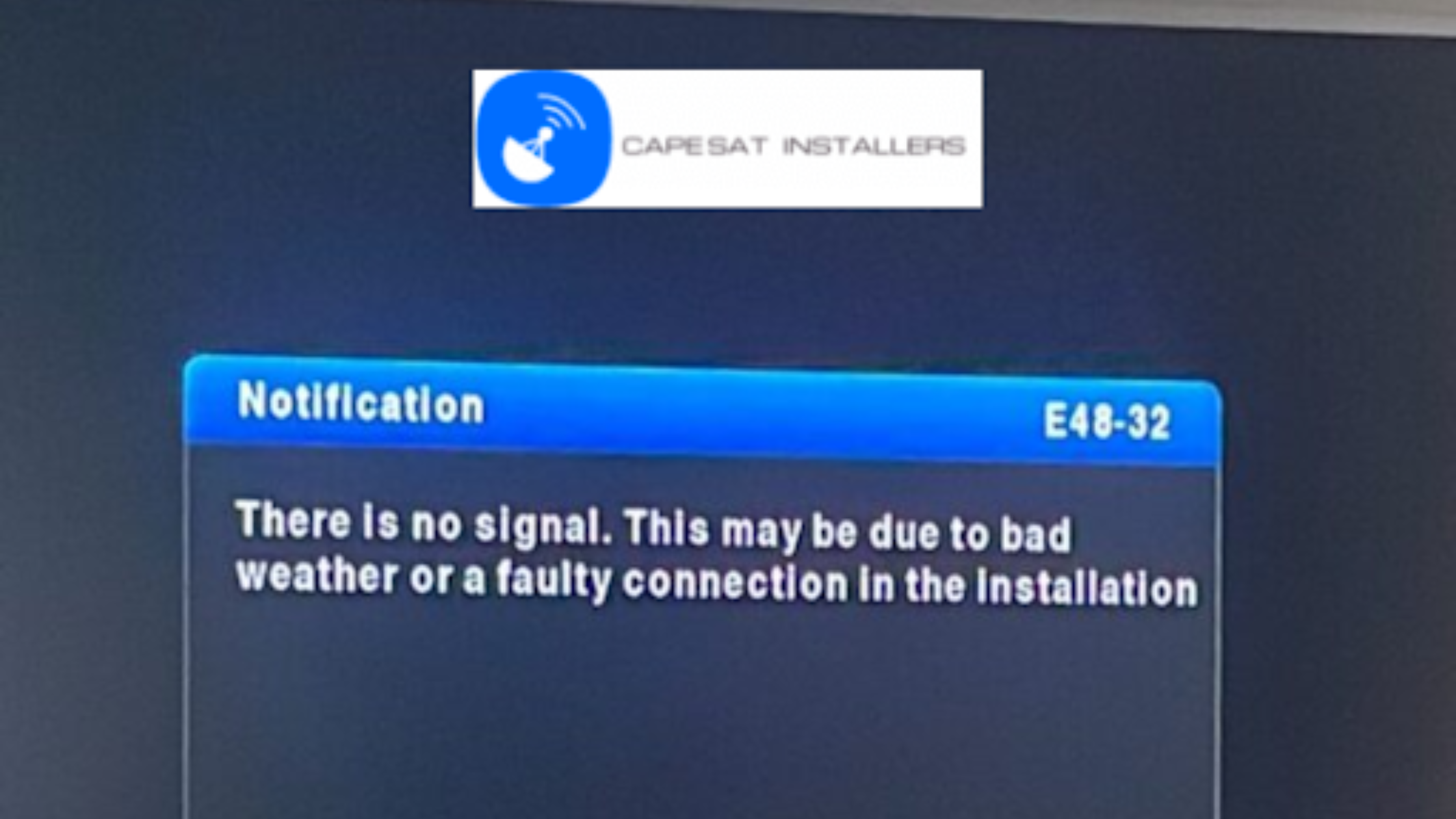
A misaligned satellite dish is a common installation error. If your dish isn’t pointing at the right satellite, you’ll likely see error codes like E48-32 (no signal) on your decoder. If you want to fix this issue, you can adjust the dish’s position carefully. You can use a satellite finder tool or the DStv mobile app to locate the right angle.
Generally, the dish should face the IS20 satellite at 68.5° East for optimal signal strength. You can check for obstructions like trees or buildings blocking the line of sight. Once they are aligned, you have to tighten the bolts securely to prevent movement during windy conditions.
Loose or Damaged Cables
Faulty or loose cables are another reason behind connectivity issues. You need to check the coaxial cable running from the LNB (Low Noise Block) on your dish to the decoder. You have to make sure that the connections are tight and free of corrosion. You need to look for cuts, bends, or exposed wires that could weaken the signal.
If you find any sort of damage, you can replace the cable with a high-quality RG6 coaxial cable, designed specifically for satellite systems. When connecting, you need to avoid sharp bends and keep cables away from electrical interference sources like power lines.
Incorrect LNB Configuration
The LNB is the device on your dish that receives the satellite signal. However incorrect settings can cause signal loss. The LNB type should be set to “Universal” in the decoder’s installation menu for most DStv installations.
You should navigate to the menu, choose “Satellite Settings,” and verify the LNB type and port settings that should match your setup (e.g., single LNB or multi-switch). If you’re using a Smart LNB for HD channels, you should make sure that your decoder is compatible, as older models may not support it. Resetting these settings can often fix persistent signal issues.
Decoder Software Problems
If the decoder software is outdated or corrupted, it can lead to connectivity issues. If you want to check this issue, you should go to the decoder’s menu and look for software update options. You can connect the decoder to a stable power source and choose “Update Software” to download the latest firmware.
If the update fails, you can do a factory reset by entering the default PIN (0000) and choosing “Reset to Factory Defaults. It will clear your settings; so you may need to reconfigure your channels afterward. You can do a reboot like unplugging the decoder for 10 seconds to fix minor glitches.
Incorrect Multiswitch Setup
A multiswitch distributes the satellite signal to multiple decoders for multi-room installations. If installed right, you may experience signal loss or channel conflicts. You should ensure that the multiswitch is compatible with your DStv system and the cables are connected to the right ports. You can check the power supply to the multiswitch and ensure that it is active, as some models need external power. If problems still persist, you should consult a professional installer to verify the setup.
Final Consideration
If these solutions don’t fix the issue, you can get in touch with a reliable DStv-accredited installer like CapeSat Installers for professional assistance. Regular maintenance like cleaning the dish and checking cables can help you prevent future issues. With these quick solutions, you’ll take advantage of uninterrupted DStv viewing in no time. If you need professional assistance with the Dstv fault connection, please contact us as soon as possible at 076 086 1350.