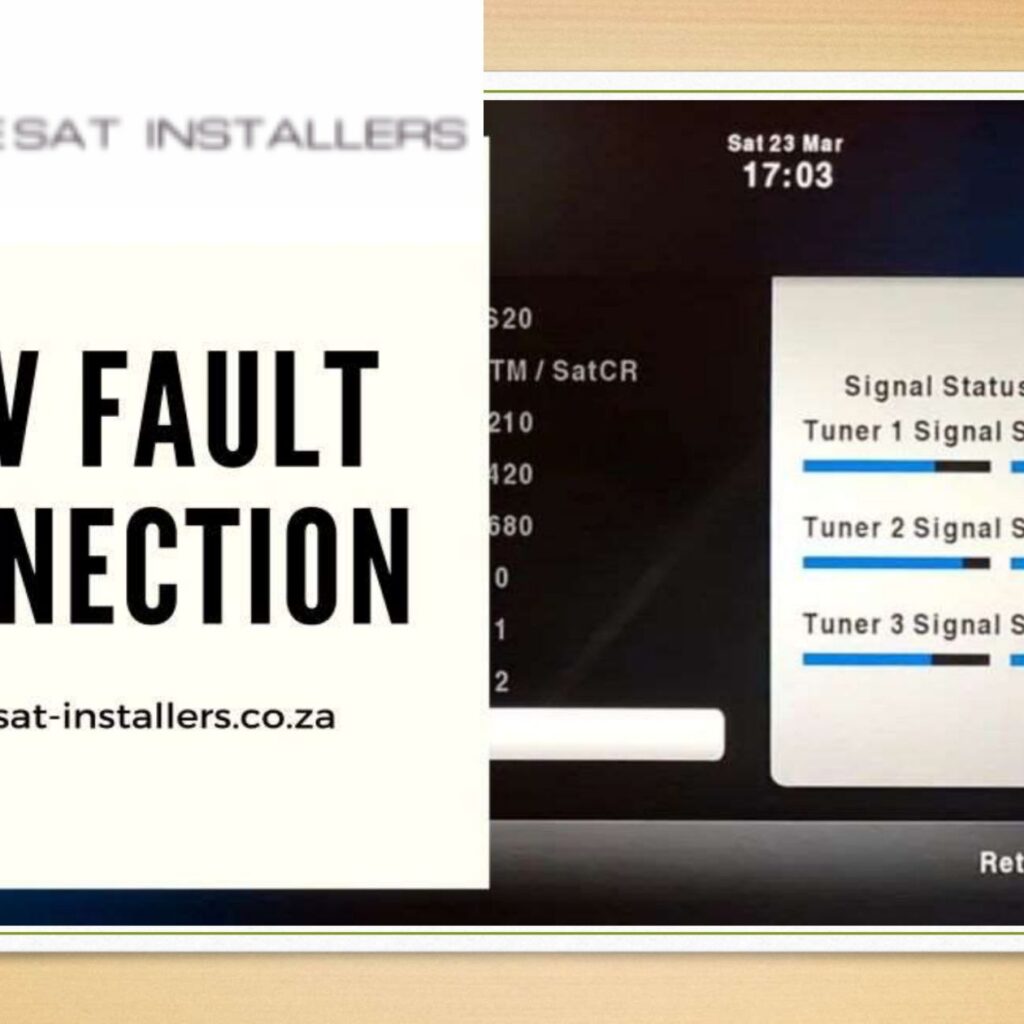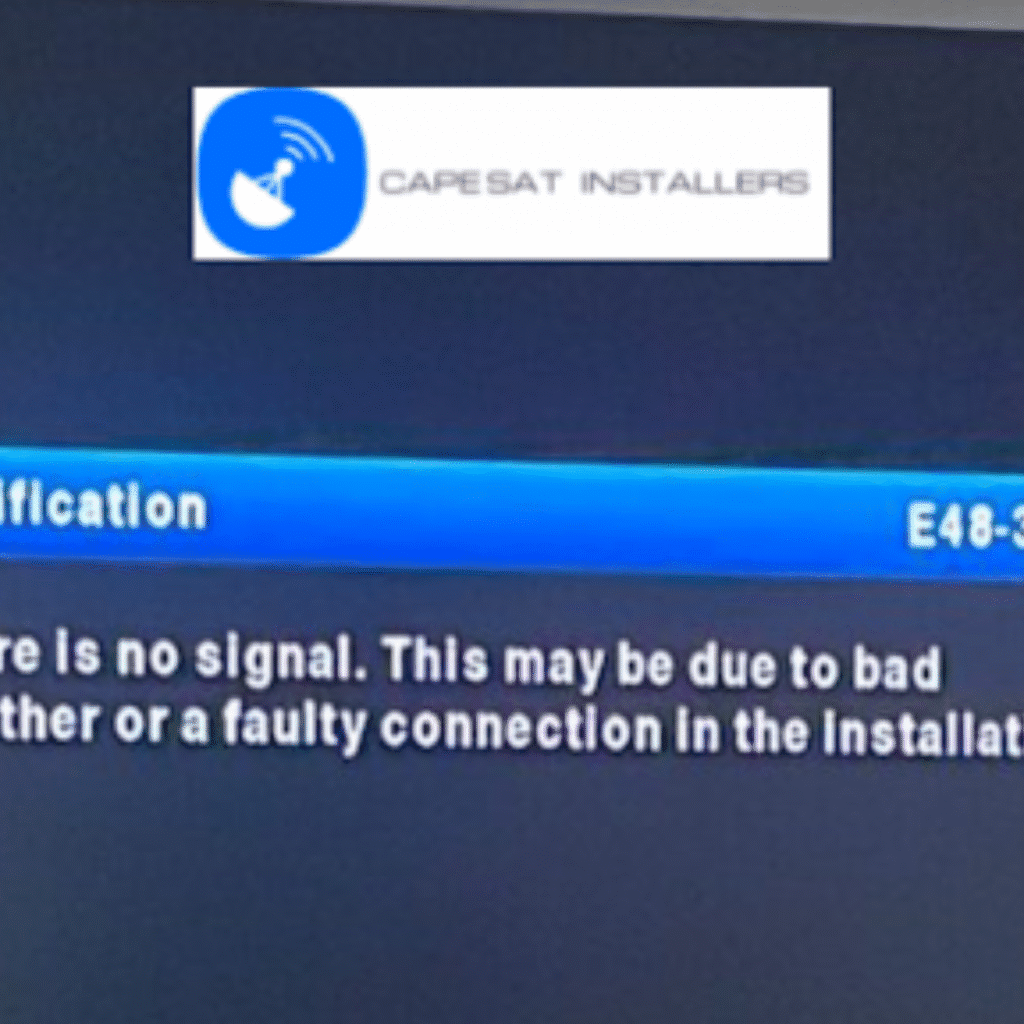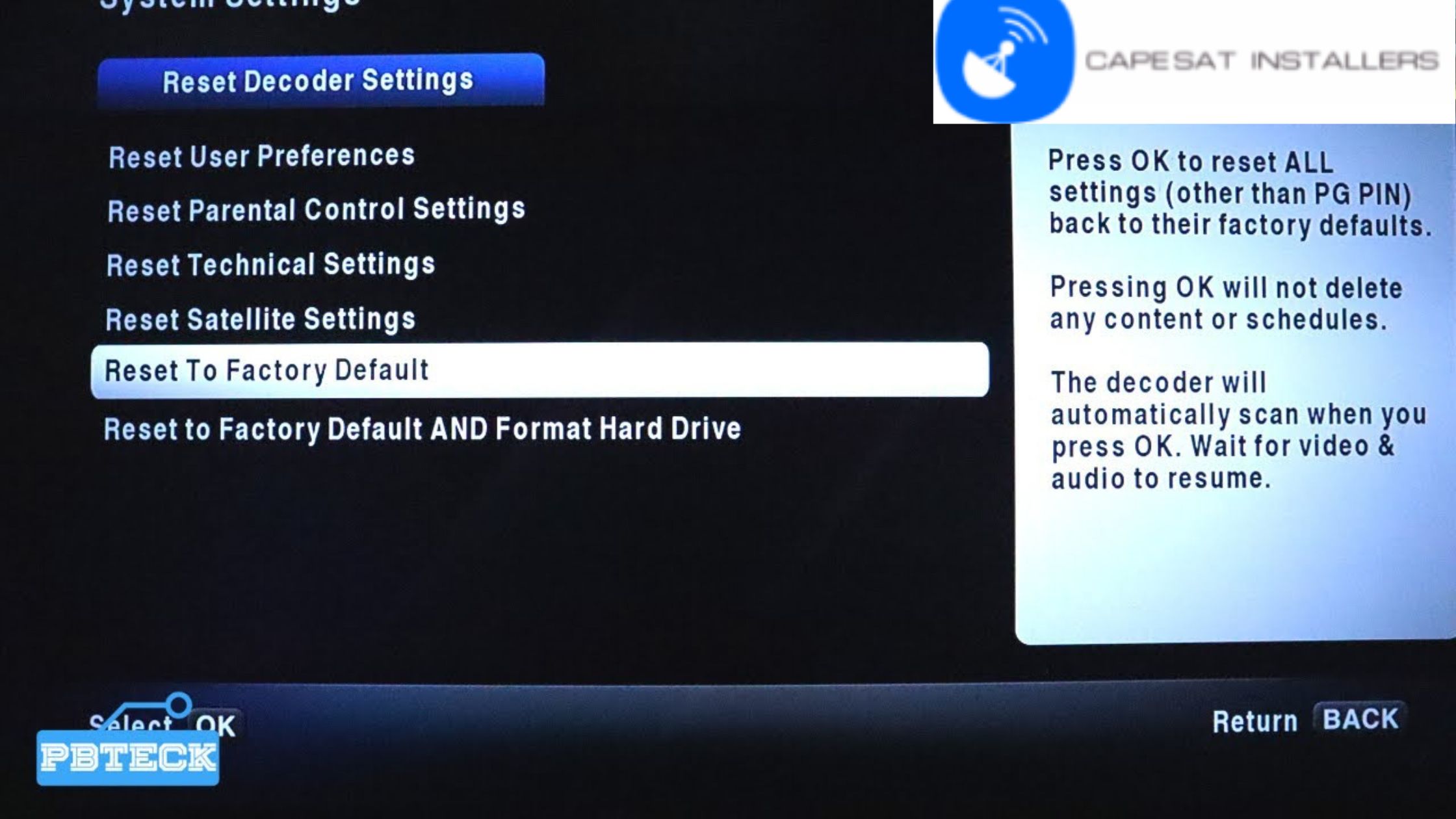
Signal loss in a home entertainment system can be frustrating, especially when you’re in the middle of a movie or a live event. This common issue can stem from various factors, including hardware malfunctions, cable problems, or even interference from other electronic devices. Fortunately, many signal loss issues can be resolved with troubleshooting steps like DSTV fault connection. Here are expert tips from us at Capesat DStv Installers to help you repair the signal loss and restore your entertainment experience.
Check the Connections
The first step in diagnosing signal loss is to check all connections in your home entertainment system. Ensure that all cables are securely connected to the correct ports on your TV, receiver, and any other components like Blu-ray players or streaming devices. Loose or improperly connected cables are a common cause of signal interruptions.
Inspect the Cables
Damaged or worn-out cables can also lead to signal loss. Inspect your HDMI, coaxial, or AV cables for any visible signs of damage, such as fraying or bent connectors. If you notice any issues, replace the faulty cables with new ones. Using high-quality cables can also help prevent signal loss and improve the overall performance of your system.
Reboot Your Devices
Sometimes, a simple reboot can resolve signal loss issues. Turn off all components of your home entertainment system, including the TV, receiver, and any connected devices. Unplug them from the power source, wait a few minutes, and then plug them back in. Power on the devices and check if the signal has been restored.
Check for Interference
Electronic devices like wireless routers, cordless phones, and even microwave ovens can cause interference with your entertainment system’s signal. Try moving these devices away from your home entertainment setup to reduce interference. Additionally, ensure that your HDMI cables are not running parallel to power cords, as this can create electromagnetic interference.
Update Firmware and Software
Outdated firmware or software can cause compatibility issues, leading to signal loss. Check for updates for your TV, receiver, and any connected devices. Most modern devices have an option to check for updates in their settings menu. Keeping your devices updated ensures they run smoothly and are less prone to signal issues.
Adjust Settings
Incorrect settings on your TV or receiver can also cause signal loss. Check the input source and resolution settings to match the connected device. For instance, if your Blu-ray player outputs in 4K, make sure your TV is set to accept a 4K signal.
Test with Different Devices
If you’re still experiencing signal loss, try connecting a different device to the same input on your TV or receiver. This can help determine whether the problem lies with a specific device or the home entertainment system. If the new device works fine, the issue may be with the original device.
Seek Professional Help
If none of the above steps resolve the signal loss, it may be time to consult our professional. Our experienced technician can diagnose more complex issues, such as hardware malfunctions or wiring problems within your home.
Signal loss in a home entertainment system can be disruptive, but most issues can be resolved with careful troubleshooting. By checking connections, inspecting cables, rebooting devices, and updating firmware, you can often restore the signal and enjoy uninterrupted entertainment. If all else fails, seeking our professional help can ensure your system is repaired correctly and efficiently.