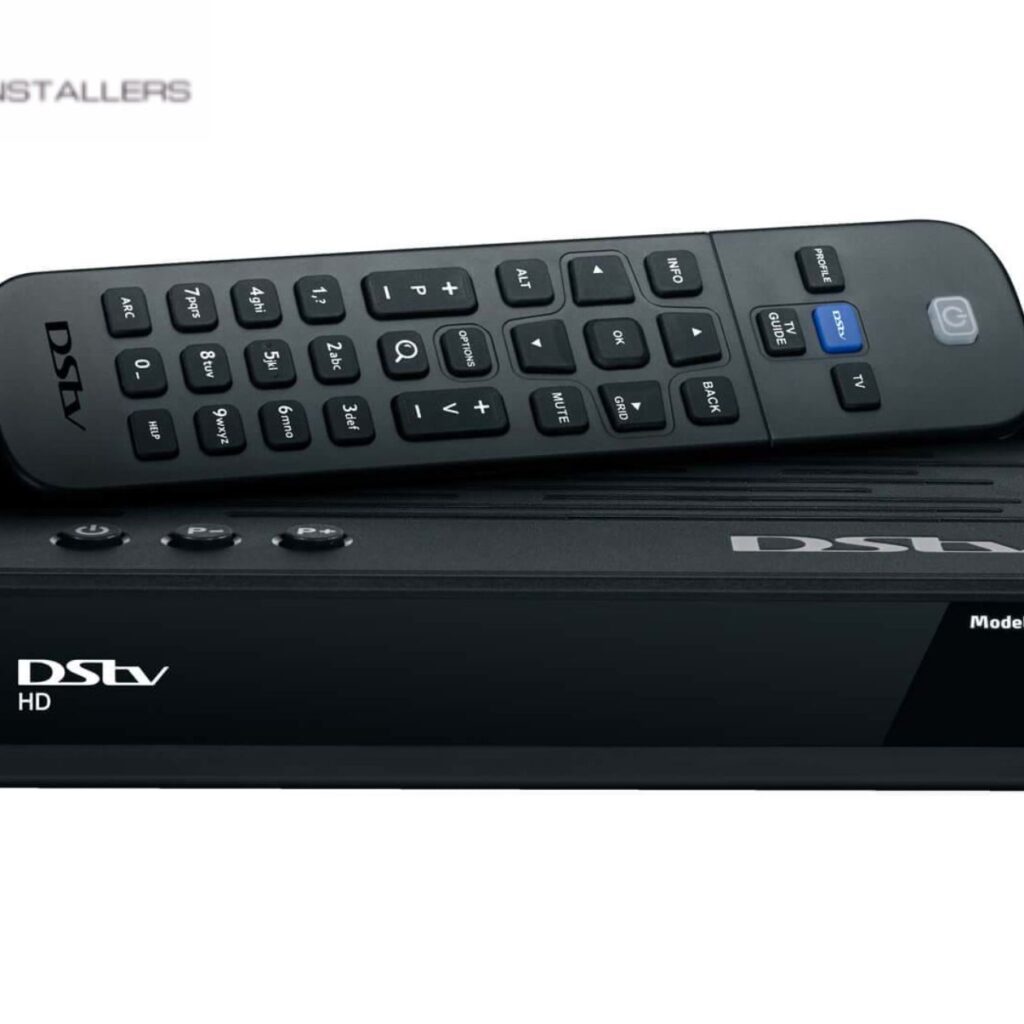
DSTV is a popular satellite television service that offers a variety of channels and entertainment options. However, like any electronic system, it can sometimes experience issues during setup or operation. If you’re facing trouble with your DSTV setting, there are several common issues you might encounter, as well as simple solutions you can try to get everything back on track. Here’s a guide to troubleshooting some of the most frequent DSTV setup issues from us at CAPESAT Installers.
No Signal Error
One of the most common issues when setting up DSTV is receiving a “No Signal” error. This can be caused by several factors, including poor satellite alignment, loose cables, or weather-related interference.
Solution:
Check the cables: Ensure that all cables, including the satellite cable and power supply, are securely connected to the decoder and the TV.
Realign the dish: Sometimes, the satellite dish may not be correctly aligned with the signal. You may need a professional to adjust the dish.
Weather conditions: Heavy rain or storms can disrupt the satellite signal. If the weather is clear, try resetting your DSTV decoder by turning it off, waiting for a minute, and turning it back on.
Poor Picture or Sound Quality
If you’re experiencing poor picture or sound quality, it can be due to weak signal strength, incorrect settings, or issues with the connections.
Solution:
Check the signal strength: Go to your decoder’s settings and check the signal strength. If it’s weak, you may need to adjust the satellite dish alignment or reposition it for better reception.
Check cables and connections: Loose or damaged cables can result in poor video or audio quality. Ensure that all connections are secure and the cables are in good condition.
Adjust TV settings: Sometimes, the issue could lie with your TV’s settings. Make sure that your TV is set to the correct input (e.g., HDMI or AV).
No Audio on DSTV Channels
Experiencing no sound while watching DSTV can be frustrating. This problem can stem from issues with the decoder settings, audio output, or HDMI connections.
Solution:
Check audio settings: Go to your DSTV decoder’s settings and make sure the audio output is set correctly. If you are using a soundbar or external speakers, ensure that the audio is routed to the correct device.
Inspect HDMI connection: If you’re using an HDMI cable, check that the cable is firmly connected to the decoder and the TV. If the cable is old or faulty, consider replacing it.
Error Messages
You may encounter specific error codes while setting up or using your DSTV decoder, such as E16-4 (no signal) or E30-4 (no access to a channel). These errors can be related to subscription issues or technical glitches.
Solution:
Check your subscription: Make sure your DSTV subscription is active and there are no outstanding payments. Log into your DSTV account or check your payment confirmation.
Restart the decoder: Simply turning the decoder off and on can sometimes resolve minor issues. If the error persists, you may need to contact DSTV support for assistance.
While troubleshooting common DSTV setup issues can be frustrating, many problems are easy to fix with simple checks or adjustments. From poor signal quality to decoder errors, most issues can be resolved by checking cables, resetting the system, or realigning the satellite dish. However, if the issue persists or requires more complex solutions, don’t hesitate to reach out to our DSTV’s technical support team for professional help.