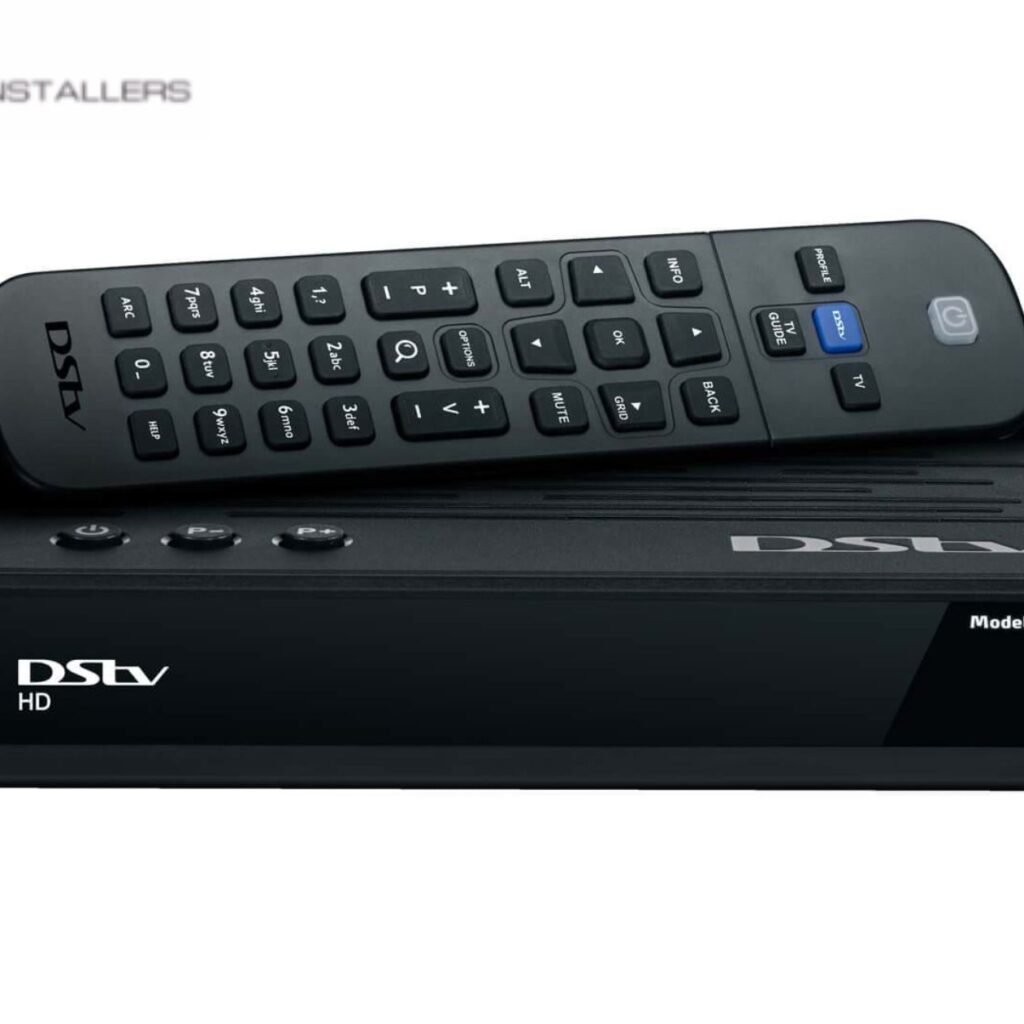
If you desire to have uninterrupted access to satellite television services, it is necessary to have an Open View installation. It may be that you are setting up the system or hiring a professional Open View installer from us at CAPESAT Installer; it is wise to know a few common installation mistakes. Having such knowledge will help you to avoid such mistakes and notice if the installer is doing such. We also offer expert advice on how to avoid such mistakes.
Choosing the Wrong Location for the Satellite Dish
While you are having such installation it is wise to select the ideal location for the satellite dish. Many make the mistake of placing the dish in a position where there are obstructions like trees, or buildings which can block the signal.
How to Avoid This Mistake:
Following a few steps, it is possible to avoid such mistakes.
It is wise to select a position where there is a clear vision of the satellite.
You can use a satellite finder tool to see the signal strength before the dish position is finalized.
It is wise to avoid installing the dish close to the wall. If done there may be interference obstructing signal reception.
It is also wise to think if any tree growth in the position can cause obstruction to the signal reception.
Incorrect Dish Alignment
Improper alignment of the satellite dish can lead to weak signals, loss of channels, and frustrating interruptions.
How to Avoid This Mistake:
Use a signal meter or rely on the built-in signal strength feature on your decoder to find the optimal alignment.
Follow the manufacturer’s instructions for azimuth and elevation angles specific to your location.
Secure the dish properly to prevent movement due to wind or accidental bumps.
Make small, incremental adjustments while monitoring signal quality to achieve the best reception.
Using Low-Quality or Incompatible Cables
Many people underestimate the importance of high-quality cables when installing an Open View system. Using substandard coaxial cables can lead to poor signal transmission and interference.
How to Avoid This Mistake:
Invest in high-quality RG6 coaxial cables that are designed for satellite signal transmission.
Avoid using excessively long cables, as they can cause signal loss.
Ensure all cable connections are secure and free from rust or corrosion.
Use proper connectors and avoid splicing cables unnecessarily.
Improper LNB Installation
The Low Noise Block (LNB) is responsible for receiving and amplifying the satellite signal. If it is incorrectly installed, it can significantly impact the quality of reception.
How to Avoid This Mistake:
Position the LNB at the correct skew angle as specified in the installation guide.
Ensure the LNB is tightly secured to prevent movement.
Check for any signs of damage or moisture accumulation inside the LNB.
Use weatherproofing materials to protect the LNB from exposure to rain and extreme temperatures.
Failing to Perform a Signal Test Before Finalizing Installation
Some installers rush through the setup process without testing the signal quality before tightening all components.
How to Avoid This Mistake:
Perform a signal strength and quality test using the decoder’s signal meter.
Make minor adjustments to the dish alignment until the strongest possible signal is achieved.
Ensure that all cables and connectors are properly secured before completing the installation.
Conduct periodic tests even after installation to confirm signal consistency.
Ignoring Weather Protection for Outdoor Components
Since the satellite dish and LNB are installed outdoors, they are exposed to harsh weather conditions, which can lead to wear and tear over time.
How to Avoid This Mistake:
Use waterproof connectors and seal all cable entry points with weatherproofing tape or silicone.
Regularly inspect the dish and LNB for signs of rust, loose connections, or physical damage.
Install a dish cover or protective shield if you live in an area with extreme weather conditions.
Secure all mounting brackets firmly to prevent damage from strong winds.
Not Updating the Decoder Software
Some people forget to check for firmware updates on their Open View decoder, leading to performance issues and missing channels.
How to Avoid This Mistake:
Regularly check for software updates through the Open View settings menu.
Enable automatic updates if the feature is available.
Restart the decoder after updating to ensure all changes take effect.
Follow the manufacturer’s website or customer support for the latest updates and troubleshooting tips.
Overlooking Grounding and Electrical Safety
Improper grounding can expose your system to electrical surges, which may damage your decoder and other connected equipment.
How to Avoid This Mistake:
Use a proper grounding system for the satellite dish and coaxial cables.
Avoid running cables near power lines to prevent interference.
Invest in a surge protector to safeguard your equipment from unexpected power fluctuations.
Follow local electrical codes and safety guidelines for grounding requirements.
DIY Installation Without Proper Knowledge
While it’s possible to install an Open View system yourself, a lack of knowledge and experience can lead to many of the mistakes outlined above.
How to Avoid This Mistake:
Read the installation manual carefully before starting.
Watch tutorial videos or seek advice from our professional installers.
If unsure, hire a certified technician from us to ensure a smooth installation.
Double-check all connections and settings before activating the system.
Ignoring Post-Installation Maintenance
Many users neglect ongoing maintenance, which can lead to gradual signal degradation and unexpected failures.
How to Avoid This Mistake:
Periodically check the dish alignment and tighten any loose bolts.
Inspect cables and connections for wear and tear.
Clean the dish and LNB to remove dust, bird droppings, and other debris that might affect performance.
Monitor the signal strength regularly to detect any potential issues early.
Improper Connection of Multiple TVs
When connecting multiple televisions to a single Open View decoder, improper setup can cause signal loss and interference.
How to Avoid This Mistake:
Use a high-quality signal splitter designed for satellite connections.
Ensure each TV receives an adequate signal by balancing the splitter outputs.
Avoid overloading the system with too many connections, which can degrade signal quality.
Failing to Secure Dish Mounting Properly
A loosely mounted dish can shift due to strong winds, leading to a loss of signal.
How to Avoid This Mistake:
Use a sturdy mounting pole or bracket.
Ensure bolts are tightened securely.
Check for any signs of movement or instability after installation.
Inconsistent Power Supply Issues
Power fluctuations can disrupt signal reception and damage the decoder.
How to Avoid This Mistake:
Use an Uninterruptible Power Supply (UPS) to protect against power surges.
Avoid plugging the decoder into overloaded circuits.
Keep power cables away from moisture and direct sunlight.
Avoiding these common Open View installation mistakes can save you time, money, and frustration. Whether doing the installation yourself or hiring our professional, following best practices ensures optimal signal reception and system longevity. By carefully selecting the dish location, using high-quality materials, aligning components correctly, and performing regular maintenance, you can enjoy uninterrupted access to Open View satellite services. Regularly updating the system, following safety measures, and securing all connections properly will enhance your viewing experience and keep your satellite system in peak condition for years.